


Pinterest isn’t just eyeballing pretty images — it’s a search engine disguised as inspiration. Unlike Instagram or TikTok, Pinterest content continues to drive traffic long after you hit publish, making it ideal for bloggers, creators, and product creators who want sustainable growth and more clicks to offers.
In this guide you’ll learn how Pinterest SEO works, how to create pins that get discovered, and how to build Pinterest into a traffic engine that feeds your blog, email list, products, and affiliate revenue — including tools and resources that make it easier. Let’s get into it.
This post may contain affiliate links. That means I may earn a small commission if you choose to purchase through one of these links, at no extra cost to you. I only recommend tools, platforms, and resources I genuinely use, trust, or believe will support long-term growth. Thank you for supporting my work and helping keep this content available.
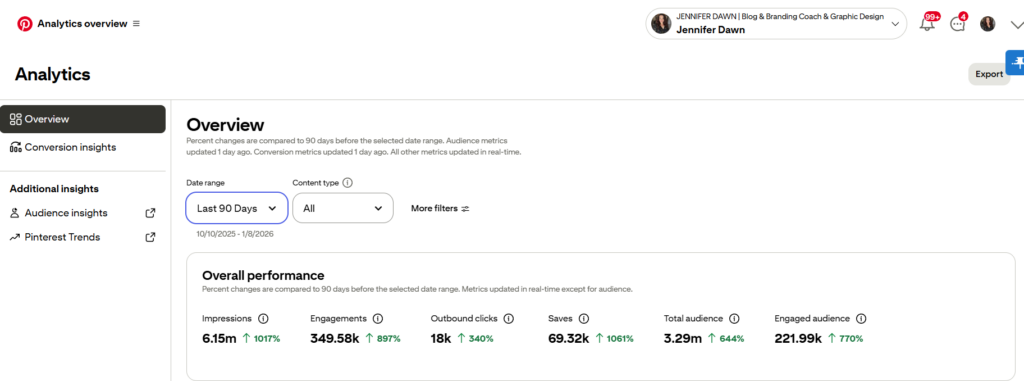
Why Pinterest Is a Search Engine, Not Just a Social Platform
Pinterest users aren’t scrolling aimlessly — they’re looking for ideas, solutions, and products that solve their problems. Pinterest behaves like a hybrid between a social feed and a visual search engine, meaning you can optimize your content the way you would a blog post.
Key Advantages of Pinterest Traffic
Evergreen content that keeps ranking for months or years
High purchase intent — users save content to plan purchases
Visual SEO with keywords in titles and descriptions
Pins show in both Pinterest search and Google results
Referral traffic to your site with strong click-through rates
If you want long-term traffic without daily posting or chasing trends, Pinterest is one of the best platforms for creators.
Why Pinterest Works Differently Than Social Media
Pinterest behaves far more like Google than Instagram or TikTok.
Instead of prioritizing followers, Pinterest prioritizes search intent. People open Pinterest looking for solutions: recipes, guides, tutorials, inspiration, products, and planning tools. That’s exactly why Pinterest traffic converts so well.
Here’s what makes Pinterest unique:
Pins can rank for months or years
Content compounds instead of expiring
Users have high buying and planning intent
Your content can appear in both Pinterest and Google search
One pin can drive traffic to multiple offers over time
Pinterest doesn’t reward noise — it rewards clarity.
Pinterest SEO Basics (So You Get Found)
Pinterest SEO is the practice of optimizing pins, boards, and profiles so Pinterest understands and surfaces your content to the right people. Like web SEO, this involves keywords, intent, and relevance.
Pinterest SEO Checklist
Business Account Setup – unlock analytics & features
Keyword Research – use Pinterest’s search suggestions + Tailwind’s keyword tools
Optimized Pin Titles & Descriptions – match search intent
Board Naming Strategy – organize content by niche
Rich Pins & Alt Text – help Pinterest read your content
Pro tip: Tools like Tailwind make keyword discovery and scheduling far easier than manual pinning — and they help automate consistency, one of the most important ranking factors on Pinterest.
How Pinterest SEO Actually Works
Pinterest SEO is about helping the platform understand what your content is about and who it should be shown to. The algorithm looks at keywords, engagement, consistency, and relevance — not follower count.
The Core Elements of Pinterest SEO
1. Keyword Research
Pinterest is keyword-driven. Search suggestions, guided search bubbles, and analytics tools show you exactly what users are looking for.
2. Optimized Pins
Each pin has:
A keyword-rich title
A detailed description written for humans first
Visual cues that match the search intent
3. Strategic Boards
Boards act like categories. Well-named, niche-focused boards help Pinterest place your pins correctly.
4. Consistency Over Volume
Pinterest favors consistent pinning far more than mass posting. A few optimized pins per day outperform random volume.
This is where most people get stuck — and where systems matter.

Creating Pins That Rank and Convert
Ranking is only half the equation. A pin also needs to earn the click.
High-performing pins usually include:
Vertical images (2:3 ratio)
Clear, benefit-driven text overlays
Strong contrast and readable fonts
Visual alignment with the content being promoted
Pinterest users want clarity fast. Your pin should answer one question immediately:
“What will this help me do?”
This is why batching pins and using structured prompts makes such a difference. It removes decision fatigue and keeps your messaging aligned across your content.
Smart Pinning Workflows
Instead of posting 10 pins per day, focus on:
Seasonal boards that align with trends (more on that below)
Evergreen content that stays relevant year-round
Mix of static + video pins to capture different audiences
Tools like Blog to Pin help you turn blog posts into Pinterest-ready pins instantly — pushing your SEO work further with less effort.
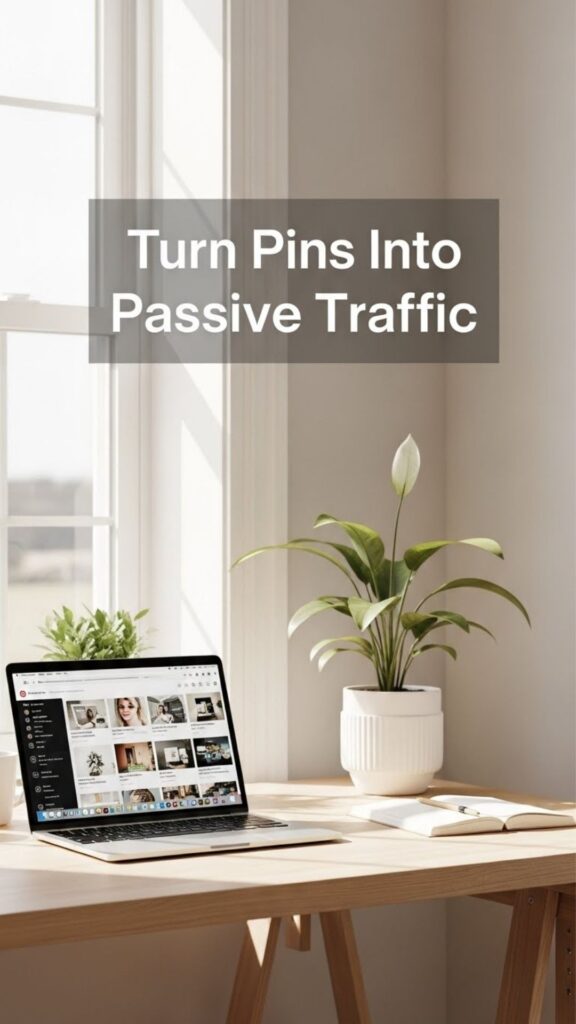
Seasonal Pinterest Strategy (Grow Year-Round)
Pinterest users plan ahead — often 3-6 months.
That means pinning your seasonal content before the season starts.
Example Calendar Topics:
Holiday DIYs
Spring craft guides
Summer recipes
Fall planning boards
👉 Download Your Seasonal Pinterest Content Calendar (insert your seasonal content calendar offer link here)
Seasonal pinning makes sure you hit search demand before competitors even think about it.
Monetization Pathways on Pinterest
Pinterest traffic turns into income in several ways:
1. Affiliate Income
Include affiliate links in pins or landing pages
Recommended partners:
✔ BigScoots (fast, reliable hosting)
✔ Hostinger (beginner-friendly hosting)
✔ Pinclicks (Pinterest management & optimization)
✔ Tailwind (scheduling + keyword tools)
These tools help both your readers and they give you commissions when used. Embed links naturally in helpful contexts.
Digital Products & Courses
Your Pinterest traffic can feed your course funnels — leading readers to your Pinterest training, prompts, or premium templates.
3. Blog Ad Revenue
More consistent Pinterest traffic means higher pageviews — which leads to better RPMs from ads like Mediavine or AdThrive.
Your Pinterest Action Plan (30-Minute Daily System)
Follow this system for consistent results without burnout:
15 min Keyword research + pin creation
10 min scheduling via Tailwind
5 min board optimization & analytics check
Repeat daily or weekly — consistency > frequency on Pinterest.
Tools & Resources
| Category | Tool | Why It Matters |
|---|---|---|
| Hosting | BigScoots | Reliable performance for your blog |
| Hosting | Hostinger | Affordable hosting with strong features |
| Pinterest Management | Pinclicks | Done-for-you Pinterest strategy |
| Scheduling & SEO | Tailwind | Pin scheduling + keyword research |
| Pin Creation | Blog to Pin | Turn blog posts into Pinterest designs |
| Bonus | Your Seasonal Pinterest Calendar | Know what to pin each month |
Pinterest works slow and steady — but when optimized, it delivers long-term, high-intent traffic that supports your entire business funnel, from email opt-ins to affiliate revenue to product sales.
If you want to go deeper, grab: Your Seasonal Pinterest Content Calendar Pin Prompts Pack Full Pinterest Income Blueprint – Pinning for Profit
Start treating Pinterest like the search engine it is, and watch your traffic grow.
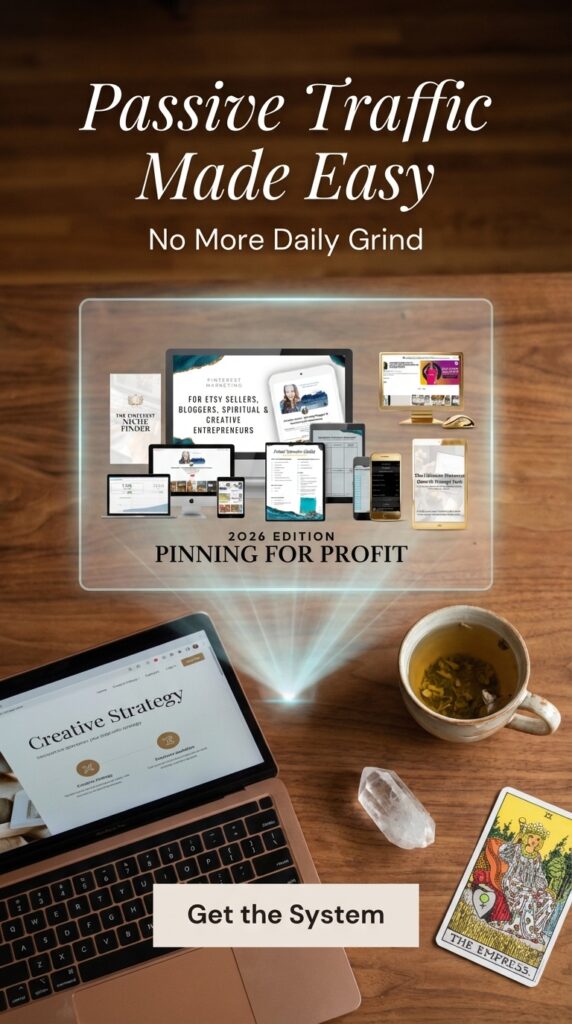
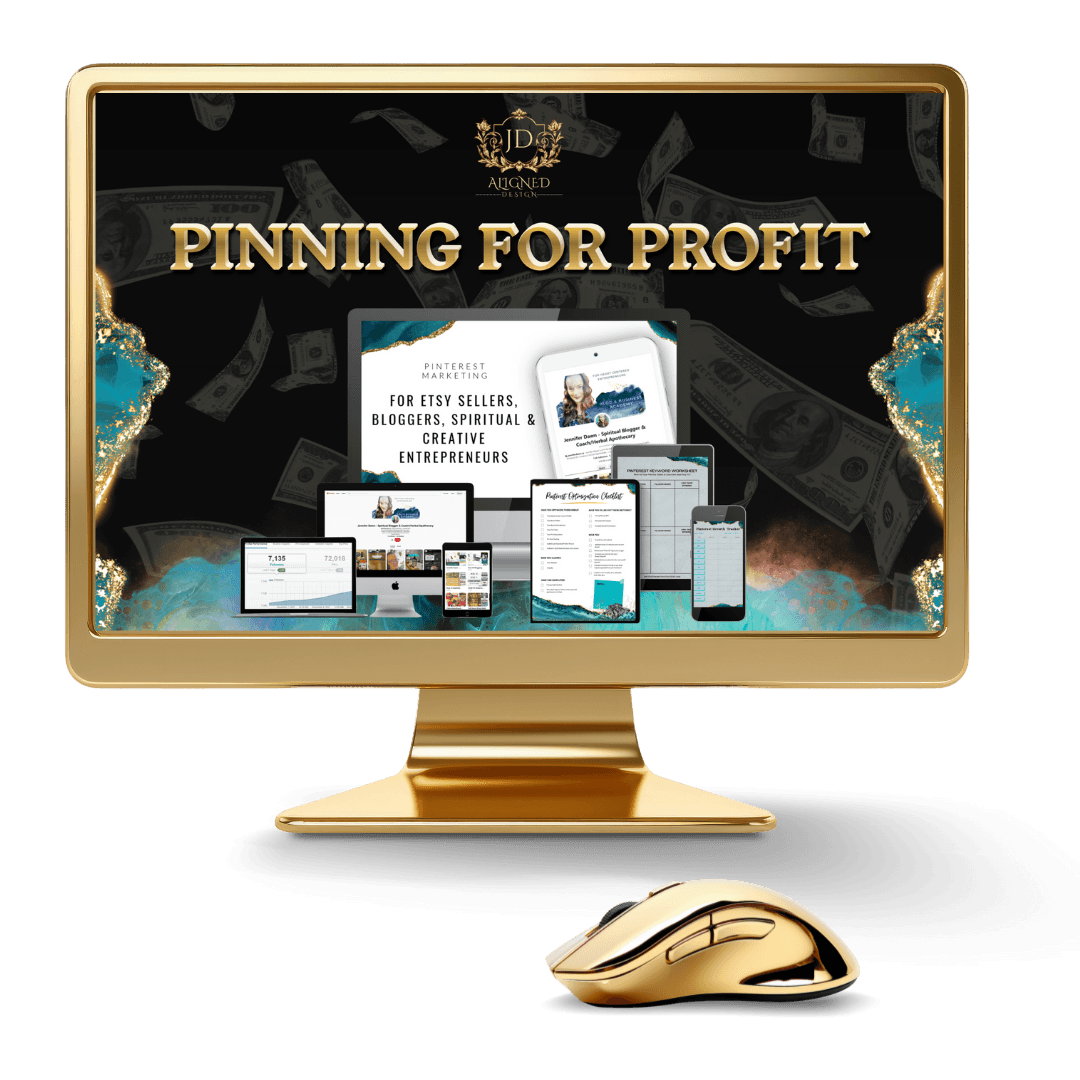
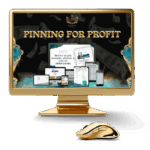
Pinning for Profit: The System Behind the Strategy
If you want to skip trial-and-error and build Pinterest traffic the smart way, Pinning for Profit teaches you exactly how to:
Use Pinterest as a search engine
Build a keyword-driven pin strategy
Create pins that rank and convert
Plan content seasonally for compounding growth
Monetize traffic through blogs, products, and affiliates
It’s designed for creators who want clarity, systems, and results — not hustle culture.
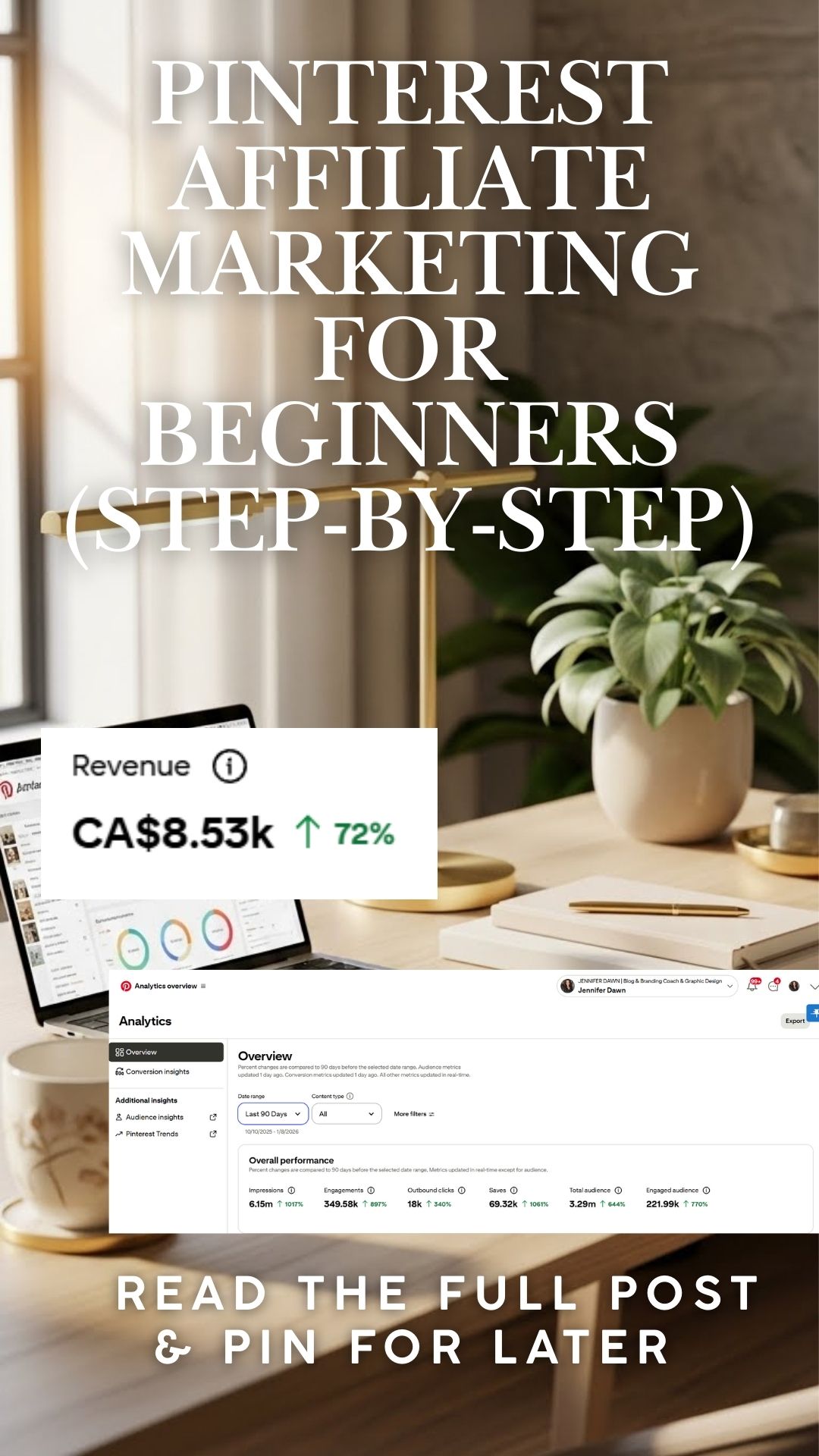
Want Pinterest traffic that actually converts?
👉 Join Pinning for Profit — a step-by-step system to grow traffic and income using Pinterest in 2026.
Need done-for-you tools?
Grab the Seasonal Pinterest Content Calendar and Pin Prompts Pack to eliminate guesswork.







4.5
Verry helpful tips. Great work and thank you!
I’m glad you found it helpful! You’re welcome! Let me know if there is anything else you would like info on. I am to provide value!
Hey Jenifer,
You have done a great job and have put together everything to bring any blog in front of thousands of eyeballs.
Thanks
Faizan Ali