

If you’ve been struggling with Pinterest pin design and wondering why your pins aren’t getting clicks, saves, or traffic… you’re not broken. Pinterest has simply evolved, and most advice floating around is outdated.
The good news? Creating click-worthy Pinterest pins no longer requires being a designer, spending hours in Canva, or reinventing the wheel every time you publish a post.
I’ve got you.

Pinterest Pin Design Has Changed (And That’s a Good Thing)
For many entrepreneurs and small business owners, marketing is the hardest part. You can have an amazing product, blog post, or offer, but if no one sees it, it doesn’t matter.
Pinterest changes that.
When Pinterest marketing is done correctly, it becomes one of the most effortless evergreen traffic sources available. Instead of constantly posting on social media, your content works in the background, sending traffic to your website, blog, Etsy shop, or offers day after day.
That’s how you get:
Consistent traffic
Evergreen visibility
Leads and sales without burnout
But it starts with pins people actually want to click.
Create Beautiful Branded Images For Your Small Business
The Tools I Use to Create Click-Worthy Pinterest Pins
Let’s clear something up: there is no single “magic tool.” The real power comes from using the right tools together, based on your workflow and goals.
Here’s what I actually use.
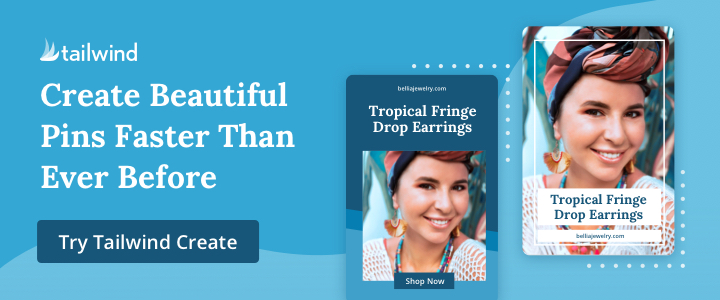
Tailwind Create: Fast, Professional, Pinterest-First
Tailwind Create is hands down one of the easiest ways to create Pinterest-optimized pins that already follow what works on the platform.
Every pin you see here was created using Tailwind Create.
Why I love it:
Pinterest-friendly layouts built in
Brand consistency without overthinking
Multiple pin designs generated instantly
Seamless scheduling directly into Tailwind
Because I already use Tailwind to schedule my pins, being able to design and schedule in one place is a massive time saver. No designing in one tool, downloading files, re-uploading somewhere else, and repeating the process.
It’s efficient. It’s clean. And it works.
Canva: Custom, Branded, Flexible
Canva is still a staple, especially if you want:
Highly branded pins
Custom layouts
Product mockups
Text-heavy or tutorial pins
I often use Canva when I want more creative control or when I’m designing pins that match a broader brand aesthetic across blog, Pinterest, and email.
The key is not spending hours tweaking fonts and colors. Pinterest rewards clarity, not perfection.
Blog to Pin: From Content to Pins in Minutes
Blog to Pin is one of those tools that quietly changes everything.
Instead of staring at a blank screen wondering:
“What kind of pin should I make for this post?”
Blog to Pin helps turn existing blog content into pin ideas quickly and strategically. It’s especially powerful if you:
Publish long-form content
Want multiple pins per post
Are building an evergreen content system
This tool bridges the gap between content creation and Pinterest marketing, which is where most people get stuck
AI Tools: Eye-Catching Without Guesswork
Yes, I also use AI.
AI helps me:
Generate visual concepts
Create scroll-stopping backgrounds
Speed up design decisions
Test new styles quickly
When used intentionally, AI doesn’t replace strategy. It enhances it.
And yes, I teach how to do this properly.
Click-Worthy Pins Are About Strategy, Not Design Skills
I’ll be honest. I love design. It’s why I offer:
Website design
Sales funnel design
Branded graphics
But not everyone enjoys designing, and you don’t need to.
I’ve seen a lot of ugly Pinterest pins over the years. And if I’m being honest, some of my early pins weren’t great either. What changed wasn’t talent, it was understanding what Pinterest actually responds to.
Click-worthy pins are built on:
Clear messaging
Strong search intent
Simple, readable design
Consistency over time
Not fancy fonts or complicated layouts.
Using Pinterest to Make Money (Yes, It’s Still Working)
Tailwind Create, Canva, Blog to Pin, and AI tools aren’t just for bloggers.
They’re powerful if you:
Promote affiliate links
Run an Etsy shop
Drive traffic to services
If you have an Etsy shop, creating Pinterest-optimized images makes it easy for others to pin your content for you, turning your audience into organic promoters.
And if you don’t have a blog? Pinterest can still work for you. I teach that too.
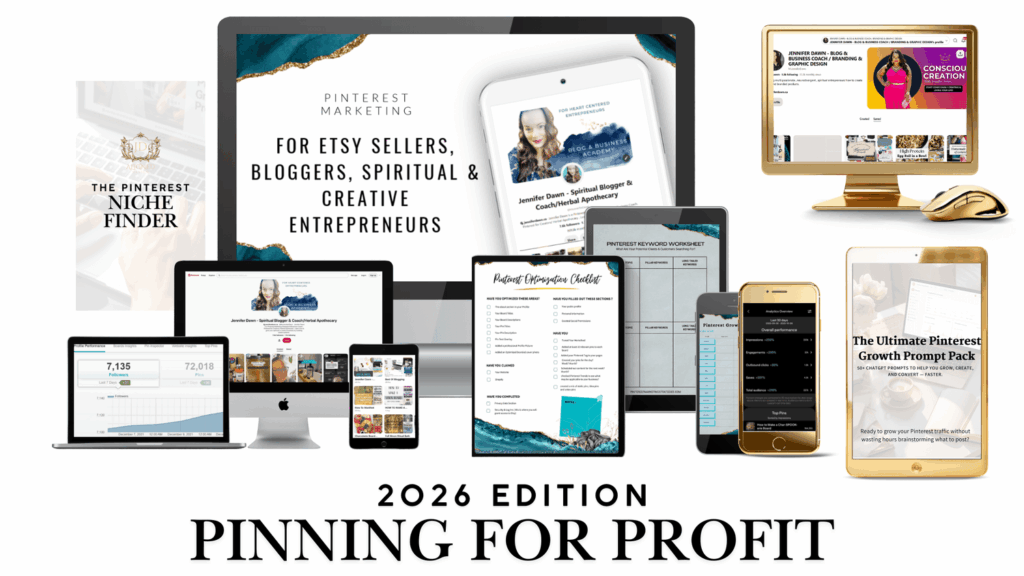
Want to Learn My Full Pinterest System?
I teach exactly how to:
Create click-worthy Pinterest pins
Use Tailwind Create, Canva, Blog to Pin, and AI together
Build an evergreen Pinterest strategy
Turn traffic into income
Inside Pinning for Profit, I walk you through the full system step by step, without fluff or outdated advice.
👉 Register for Pinning for Profit
Because Pinterest isn’t about posting more.
It’s about posting smarter.
WATCH THIS TRAINING TO LEARN ONE OF THE METHODS OF CREATING PINS
WANT MORE GUIDANCE & SUPPORT?
If you are multi passionate, neurodivergent or witchy/spiritual then this was created just for you!


Woah thanks for this recommendation, will start using tailwind create from now on…